PG Manager
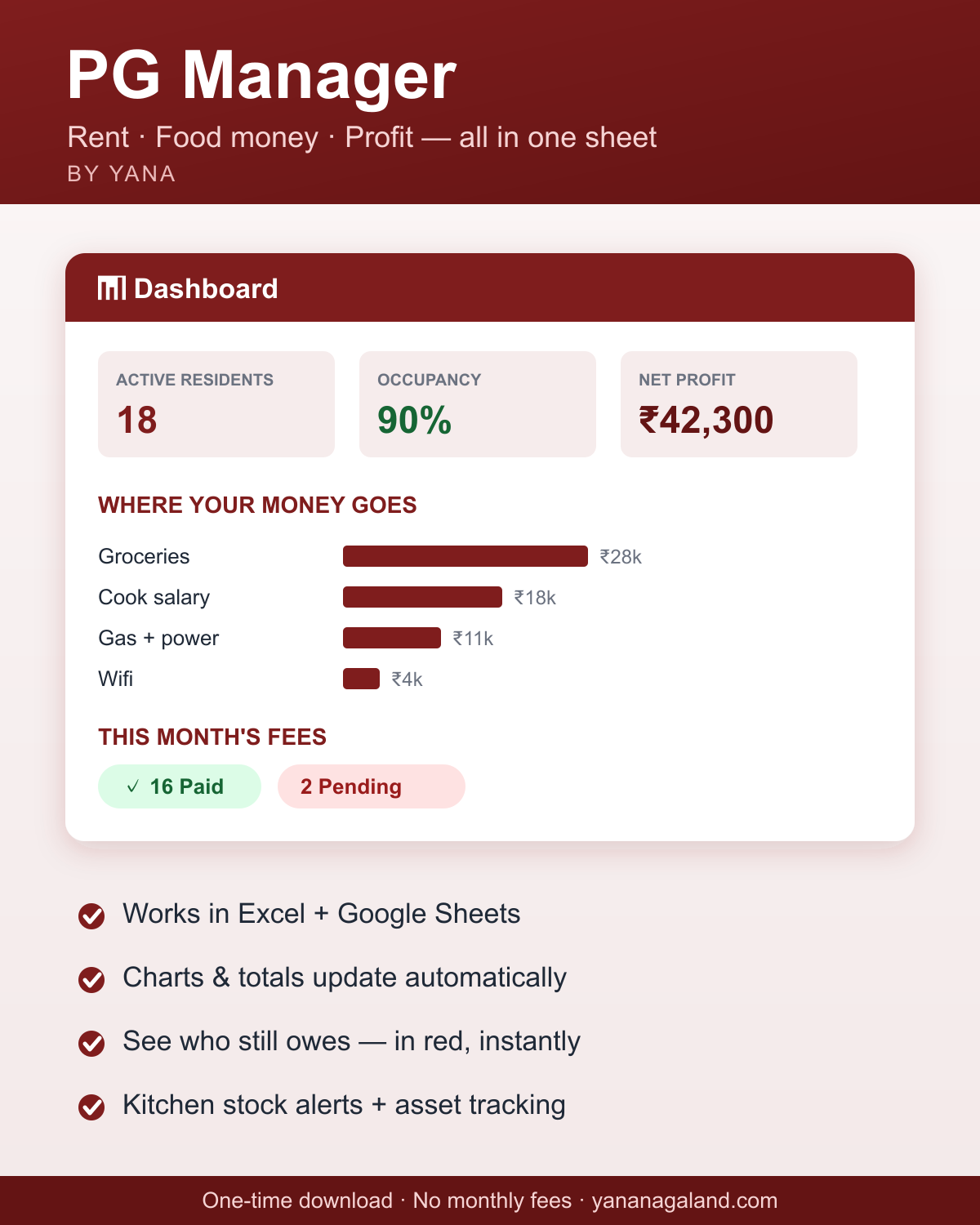
Run your whole PG in one sheet — see who still owes, where the money goes, and your real monthly profit. Built for PGs and hostels here: per-person fees, single/double rooms, deposits, and a summary that fills itself in.
Works on both phone and computer — a computer is comfiest, but the phone works fine. The Sheets button opens Google’s “Make a copy” page: tap Make a copy and give it a few seconds — Google is creating your own private copy to keep. (Google will ask you to sign in to your Google account if you aren’t already — that’s Google, not us. No account? Use the Excel download, it needs nothing.)
What’s inside — 4 simple tabs
- 📖Start Here
A 2-minute guide built into the file — five steps and you’re running.
- 🏠Residents & Rent
Every resident on their own row — room, single/double, fee, deposit. Tap ✓ when they pay; red — means still owes. Mark leavers as “Left” and the row fades but your records stay.
- 💸Expenses
Log every rupee you spend — groceries, cook salary, gas, wifi — with easy dropdowns.
- 📊Summary
Fills in by itself. Pick a month → collected, spent, profit, and who still owes — worked out for you.
Start in 2 minutes
- 1
Tap “Open in Google Sheets” below. Google shows a “Make a copy” button — tap it and give it a moment; it’s creating your own private copy that only you can see and edit. (Or download the Excel file instead.)
- 2
Replace the sample residents with your own people.
- 3
That’s it — tick payments each month and watch the Summary do the maths.
More templates coming
Want a template for your kind of business? Tell us — the most-asked-for one gets built next.